A resume is more than the visible page. PDF files can include hidden metadata that describes the document, and that metadata can travel through uploads, storage systems, previews, and forwarding workflows.
Key takeaway
Quick answer
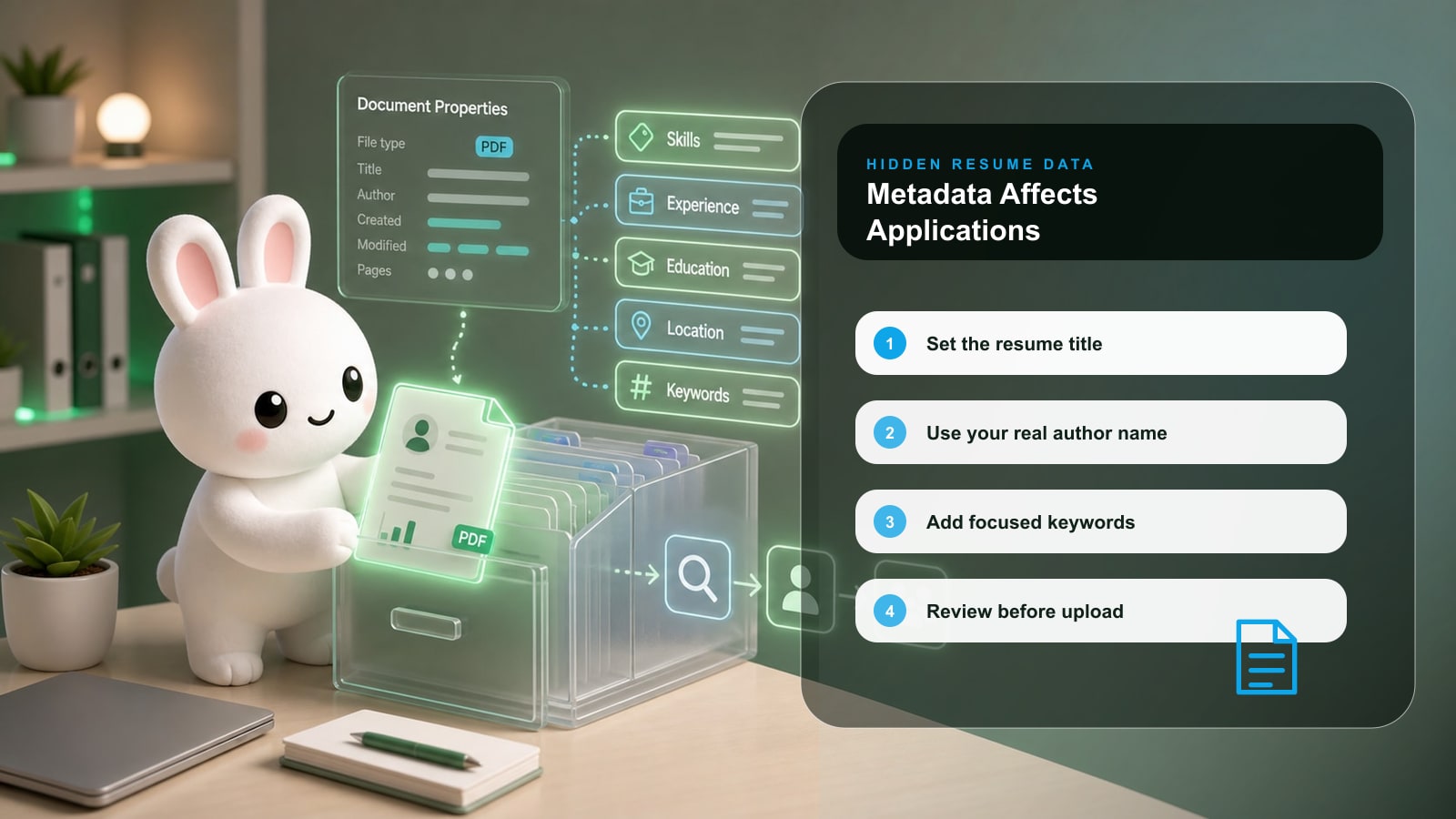
Resume metadata helps describe the file behind the visible resume.
Clean metadata can improve file context and professionalism.
Bad metadata can expose old templates, unrelated authors, or confusing titles.
Metadata does not replace strong resume content or ATS-safe formatting.
Search intent: what this page helps you do
This guide explains what metadata does and when it matters. It is for job seekers who want the final resume file to be polished in both visible and hidden layers.
The practical goal is not to make a resume or job-search document sound polished. The goal is to make the next reviewer understand your fit faster, with fewer assumptions and less friction.
What resume metadata can affect
Metadata is not a secret shortcut. Think of it as the label on the file package.
| Area | What strong candidates do | What to avoid |
|---|---|---|
| File preview | A clear title can make the document easier to identify. | Untitled or unrelated template titles. |
| Search and storage | Name, role, and focused keywords can support organization. | Keyword stuffing or misleading labels. |
| Professional signal | Correct author and title reinforce polish. | Old authors or messy draft names. |
| Privacy | Review hidden fields before sharing. | Leaving unnecessary personal or template data. |
| ATS context | Use metadata as a quality layer only. | Assuming metadata fixes weak resume content. |
Step-by-step workflow
- 1Finish the visible resume.
- 2Check PDF title, author, subject, keywords, and language.
- 3Fix fields that are blank, wrong, or template-generated.
- 4Keep keywords short and truthful.
- 5Save a final application copy.
Before and after examples
| Weak version | Stronger version |
|---|---|
| A PDF title says Document 7. | The PDF title says Elena Brooks - Banking Analyst Resume. |
| The author is a template marketplace account. | The author is Elena Brooks. |
| Keywords repeat product manager 20 times. | Keywords list Product Management, Roadmap, Activation, Customer Research, SQL. |
Use the stronger versions as patterns, not scripts. Replace the details with your real scope, tools, audience, numbers, and constraints.
Checklist before you use this advice
Key takeaway
Application checklist
The visible resume is already strong.
The hidden title matches the resume purpose.
The author field is correct.
The keyword field is focused and accurate.
The filename is recruiter-friendly.
Common mistakes
| Mistake | Why it hurts | Better move |
|---|---|---|
| Treating metadata as ranking magic. | It does not compensate for weak content. | Use it as final polish. |
| Ignoring privacy. | Hidden fields can expose old or irrelevant details. | Audit before sending. |
| Fixing only metadata. | Recruiters still read the visible resume. | Improve both layers. |
How Rezoomed helps
Rezoomed Metadata Enhancer helps audit PDF metadata and export a cleaner final resume after your visible content is ready.
Use the relevant Rezoomed tool after you have a clear target role, not before. The tool is most useful when it has a real job description, a real resume, and a concrete outcome to improve.
Fast answers to common questions
Frequently asked questions
- 01+
Can recruiters see resume metadata?
They may not inspect it manually, but file properties can appear in previews, storage systems, or document workflows.
- 02+
Does metadata help ATS systems?
It may help file context, but ATS performance mainly depends on parseable visible text, structure, and role relevance.
- 03+
What metadata should I remove?
Remove wrong authors, old employer names, template references, unrelated subjects, and unnecessary personal data.
Final takeaway
The strongest applications are specific, readable, and easy to verify. Use this guide to remove uncertainty: show the role you want, prove the work you have done, and keep every claim defensible in an interview.
Sources and further reading
Related Rezoomed tools
- Resume Metadata Enhancer - Audit hidden PDF metadata fields and export a cleaner recruiter-ready file.
- ATS Checker - Check structure, keywords, and readability before sending the updated PDF.