Canva is a great design tool. It is not a resume tool.
That distinction matters because Canva has thousands of resume templates that look polished, professional, and modern — but most of them produce documents that applicant tracking systems cannot read. The resume looks great on your screen and arrives as scrambled data in the employer's ATS.
This is not a knock on Canva. It is a design platform optimized for visual output. Resume parsing requires a completely different kind of optimization.
Why Canva resumes fail ATS systems
Canva is built for graphic design. When you create a resume in Canva, you are placing text boxes, shapes, and images on a canvas — like designing a poster. The output is a visually arranged PDF, not a structured document.
Key takeaway
Why Canva resumes break ATS parsing
Text boxes create unpredictable reading order — ATS reads top-to-bottom, left-to-right
Graphics, icons, and skill bars contain zero searchable text
Multi-column layouts interleave unrelated content when parsed
Font flattening can turn the entire resume into an unsearchable image
No built-in ATS checking — you design, export, and hope
Here is what goes wrong:
Text boxes instead of real text flow
Canva resumes use individual text boxes for each section. An ATS reads the document top-to-bottom, left-to-right. When content lives in floating text boxes, the reading order becomes unpredictable. Your "Experience" section might get merged with your "Skills" section or read before your name.
Graphics that obscure content
Icons, shapes, progress bars, and decorative elements look good but contain no searchable text. A skill bar showing "Python — 90%" tells a human you are strong in Python. The ATS sees nothing — it is an image.
Multi-column layouts
Two-column and three-column Canva layouts break ATS parsing in most systems. The parser may read across both columns, interleaving unrelated content. Your job title from Column A may end up next to a skill from Column B.
Font flattening
Canva sometimes embeds fonts as paths rather than searchable text in the PDF export. When that happens, the entire resume is technically an image — no text is searchable, no keywords can be matched.
No ATS checking
Canva has no built-in way to check whether a resume will parse correctly. You design it, export it, and hope for the best.
What Rezoomed does differently
Rezoomed is purpose-built for resume optimization:
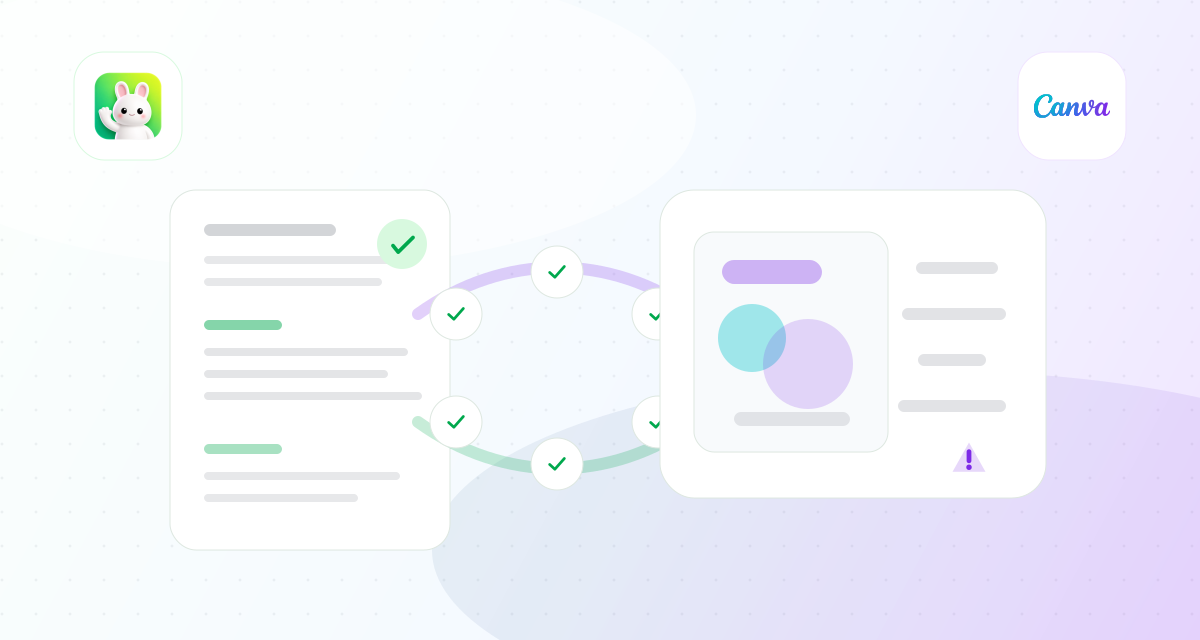
- Every template is ATS-tested — the format is guaranteed to parse correctly
- Full ATS scanning — checks parsing, formatting, keywords, and content strength
- Job description matching — shows how closely your resume maps to a specific role
- Content-strength scoring — catches weak bullets that list duties instead of proving impact
- Searchable text always — output is clean, structured, and fully parseable
Feature comparison
| Feature | Rezoomed | Canva |
|---|---|---|
| Resume builder | Yes | Yes |
| Template library | ATS-safe only | 1000+ designs |
| Drag-and-drop editor | No | Yes |
| ATS keyword matching | Yes | No |
| ATS parsing check | Yes | No |
| Formatting & layout analysis | Yes | No |
| Content strength scoring | Yes | No |
| Job description match score | Yes | No |
| Graphic design tools | No | Yes |
| Resume tailoring per job | Yes | No |
| Searchable text guaranteed | Yes | Varies |
| Free tier | Yes | Yes |
When to use Canva for resumes
Canva works when:
- you are handing a resume directly to someone at a networking event or career fair
- you are in a creative field where the resume itself is a design sample
- the job application does not go through an ATS (direct email to hiring manager)
- you need a one-page visual bio, not a job application resume
When to use Rezoomed
Rezoomed works when:
- you are applying through online job portals and company career sites
- you need your resume to survive ATS parsing before a human ever sees it
- you want keyword matching and content scoring, not just a layout
- you are applying to multiple roles and need per-job tailoring
How to test your Canva resume
If you have a Canva resume and are not sure whether it will parse, here is a simple test:
- 1Export your Canva resume as a PDF
- 2Open it in a basic text editor or try to select all text with Ctrl+A
- 3If the text copies as gibberish or does not select properly, ATS systems will have the same problem
For a more thorough check, upload it to Rezoomed's ATS checker. The scan shows exactly which sections parsed correctly and which ones are invisible to applicant tracking systems.
Bottom line
Canva makes beautiful documents. Rezoomed makes documents that get you interviews. If you are applying through any online job portal, ATS compliance is not optional — it is the filter that decides whether your resume reaches a human. Run a free ATS scan to see how your current resume performs.
Related Rezoomed tools
- ATS Checker - Run a free ATS scan to see how your current resume performs.
- Resume Builder - Build an ATS-safe resume from scratch or rebuild from an existing file.
- Match Score - Check how closely your resume matches a specific job description.