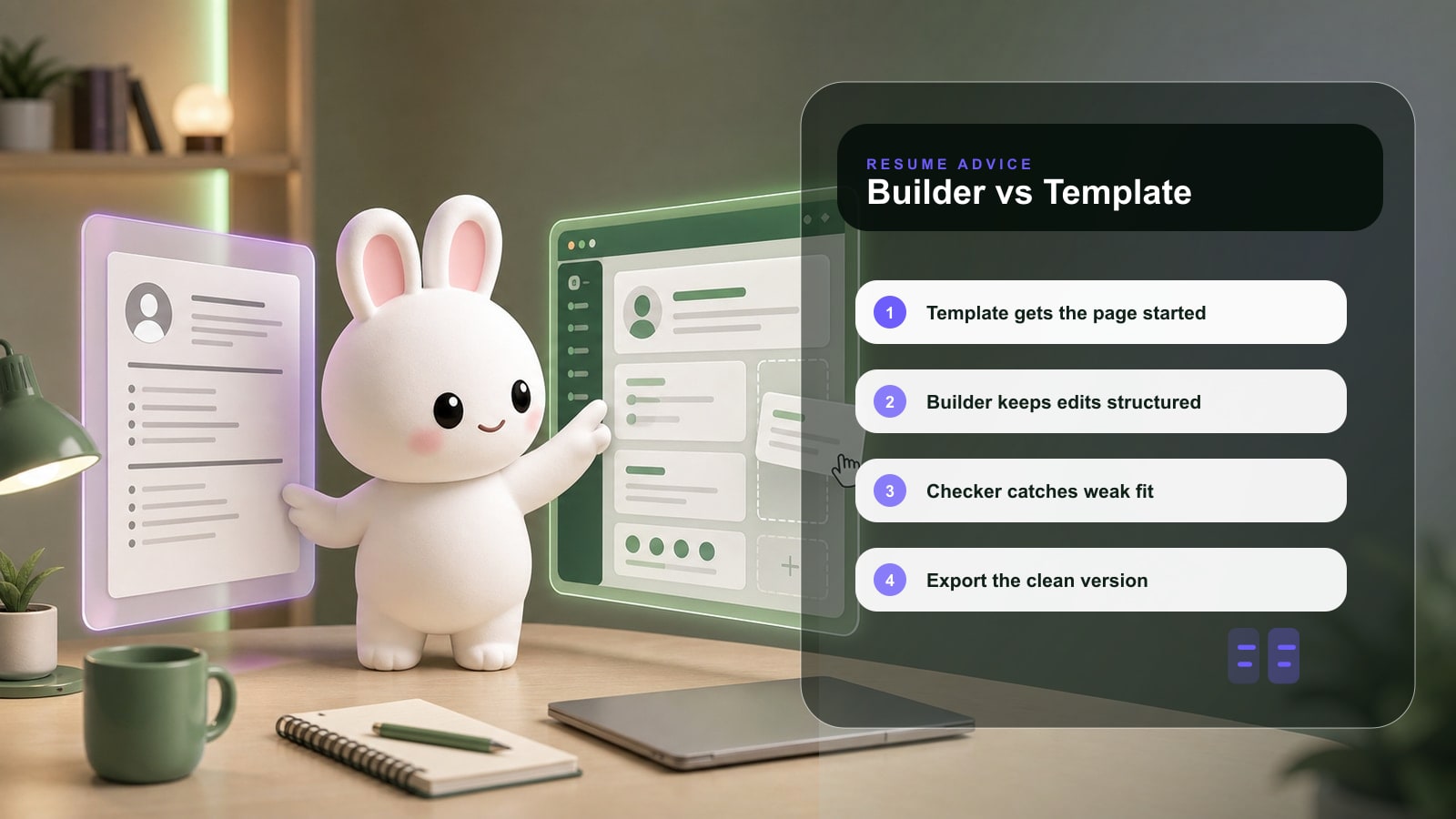
A resume template gives you a starting layout. A resume builder gives you an editing system. The better choice depends on whether you need one static resume or a repeatable way to tailor applications.
Key takeaway
Quick answer
Use a resume template if you need a quick one-time document and already know what to write.
Use a resume builder if you need ATS checks, job tailoring, version control, and cleaner export.
Templates fail when they are over-designed or hard to edit for each role.
Builders fail when they generate generic content without proof.
Search intent: what this page helps you do
This comparison helps you decide whether you need a design file or a job-search workflow. Most candidates do not lose interviews because the template is ugly; they lose them because the content is generic or hard to parse.
The practical goal is not to make a resume or job-search document sound polished. The goal is to make the next reviewer understand your fit faster, with fewer assumptions and less friction.
Resume builder vs template comparison
Use this decision table to choose based on your job-search situation rather than the appearance of the document.
| Area | What strong candidates do | What to avoid |
|---|---|---|
| Speed | Builders are faster when you need multiple tailored versions. | Rewriting a static template manually for every job. |
| ATS safety | Good builders keep structure simple and parseable. | Templates with columns, icons, and text boxes. |
| Content guidance | Builders can flag weak bullets and missing role terms. | Templates leave content quality entirely to you. |
| Design control | Templates can be useful for portfolio or creative roles. | Letting design hide unclear experience. |
| Long-term use | Builders help maintain versions and updates. | Saving files as resume-final-final-v12.pdf. |
Step-by-step workflow
- 1Decide whether you are making one resume or a reusable job-search system.
- 2If using a template, remove columns, icons, and decorative skill bars before applying online.
- 3If using a builder, paste a real job description before accepting suggestions.
- 4Keep a master version with full detail and shorter targeted versions for applications.
- 5Export a clean PDF and test whether the text can be copied in the right order.
Before and after examples
| Weak version | Stronger version |
|---|---|
| Template objective: Seeking a challenging role where I can grow. | Targeted builder summary: Operations analyst with 4 years improving onboarding workflows, Salesforce reporting, and cross-functional handoffs. |
| Skills: communication, leadership, Excel, strategy. | Skills grouped by fit: Analytics: Excel, SQL, Tableau. Operations: onboarding, process mapping, SLA reporting. |
| Resume file: resume-new-final.pdf. | Resume file: Jordan-Lee-Product-Analyst-Resume.pdf. |
Use the stronger versions as patterns, not scripts. Replace the details with your real scope, tools, audience, numbers, and constraints.
Checklist before you use this advice
Key takeaway
Application checklist
The final resume is one column unless the employer asks otherwise.
The top third names the target role or role family.
The document is easy to edit for the next job.
The file exports cleanly as a text-based PDF.
The design never makes the content harder to scan.
Common mistakes
| Mistake | Why it hurts | Better move |
|---|---|---|
| Picking the prettiest template. | It may perform poorly in ATS parsing. | Pick clarity first, style second. |
| Using a builder without editing. | The output can sound generic. | Treat generated content as a draft. |
| Keeping one universal resume. | Different roles need different evidence. | Create role-specific versions. |
How Rezoomed helps
Rezoomed is built for the builder workflow: create a base resume, tailor it for jobs, check ATS readability, compare match score, and export a cleaner version.
Use the relevant Rezoomed tool after you have a clear target role, not before. The tool is most useful when it has a real job description, a real resume, and a concrete outcome to improve.
Fast answers to common questions
Frequently asked questions
- 01+
Are resume templates bad for ATS?
Not always. Simple one-column templates can work well. The risk comes from complex layouts, graphics, tables, and text boxes.
- 02+
Is a resume builder worth paying for?
It can be worth it if it saves time, improves tailoring, catches ATS issues, and helps you produce stronger versions for serious roles.
- 03+
Can I use both a builder and a template?
Yes. A builder can manage the content and export, while the template defines a clean visual structure.
Final takeaway
The strongest applications are specific, readable, and easy to verify. Use this guide to remove uncertainty: show the role you want, prove the work you have done, and keep every claim defensible in an interview.
Sources and further reading
Related Rezoomed tools
- Resume Builder - See how Rezoomed handles drafting, editing, and export in one workflow.
- ATS Checker - Check the finished resume for ATS and recruiter-readability issues before applying.