The best AI resume builder is not the one that writes the most dramatic summary. It is the one that helps you turn a real work history into a targeted, ATS-readable, recruiter-friendly resume for a specific job.
Key takeaway
Quick answer
Choose an AI resume builder that keeps the resume structured, editable, and ATS-safe.
Use AI for rewriting, tailoring, keyword mapping, and first drafts, not for inventing experience.
Check whether the builder supports job-description matching, clean PDF export, and multiple resume versions.
Reject tools that create generic summaries, keyword stuffing, or visually complex templates that are hard to parse.
Search intent: what this page helps you do
If you searched for the best AI resume builder, you are probably not asking for a toy writer. You want a faster way to produce a resume that can survive ATS parsing, match a target job, and still sound like a real candidate.
The practical goal is not to make a resume or job-search document sound polished. The goal is to make the next reviewer understand your fit faster, with fewer assumptions and less friction.
How to evaluate an AI resume builder
Use this framework before paying for any resume tool. The builder should improve the application workflow from draft to export, not just generate prettier paragraphs.
| Area | What strong candidates do | What to avoid |
|---|---|---|
| ATS structure | Keeps headings, dates, skills, and experience easy to parse. | Decorative layouts, icons, skill bars, or text trapped in graphics. |
| Job targeting | Compares your resume to a specific job description and suggests truthful edits. | One-click generic optimization with no role context. |
| Bullet quality | Turns duties into evidence with scope, tools, and outcomes. | Adds inflated language that you cannot defend. |
| Versioning | Lets you keep separate versions for different roles or companies. | Overwrites your only resume without change history. |
| Export quality | Creates clean PDF output with readable text and metadata. | Exports files that look good but parse badly. |
Step-by-step workflow
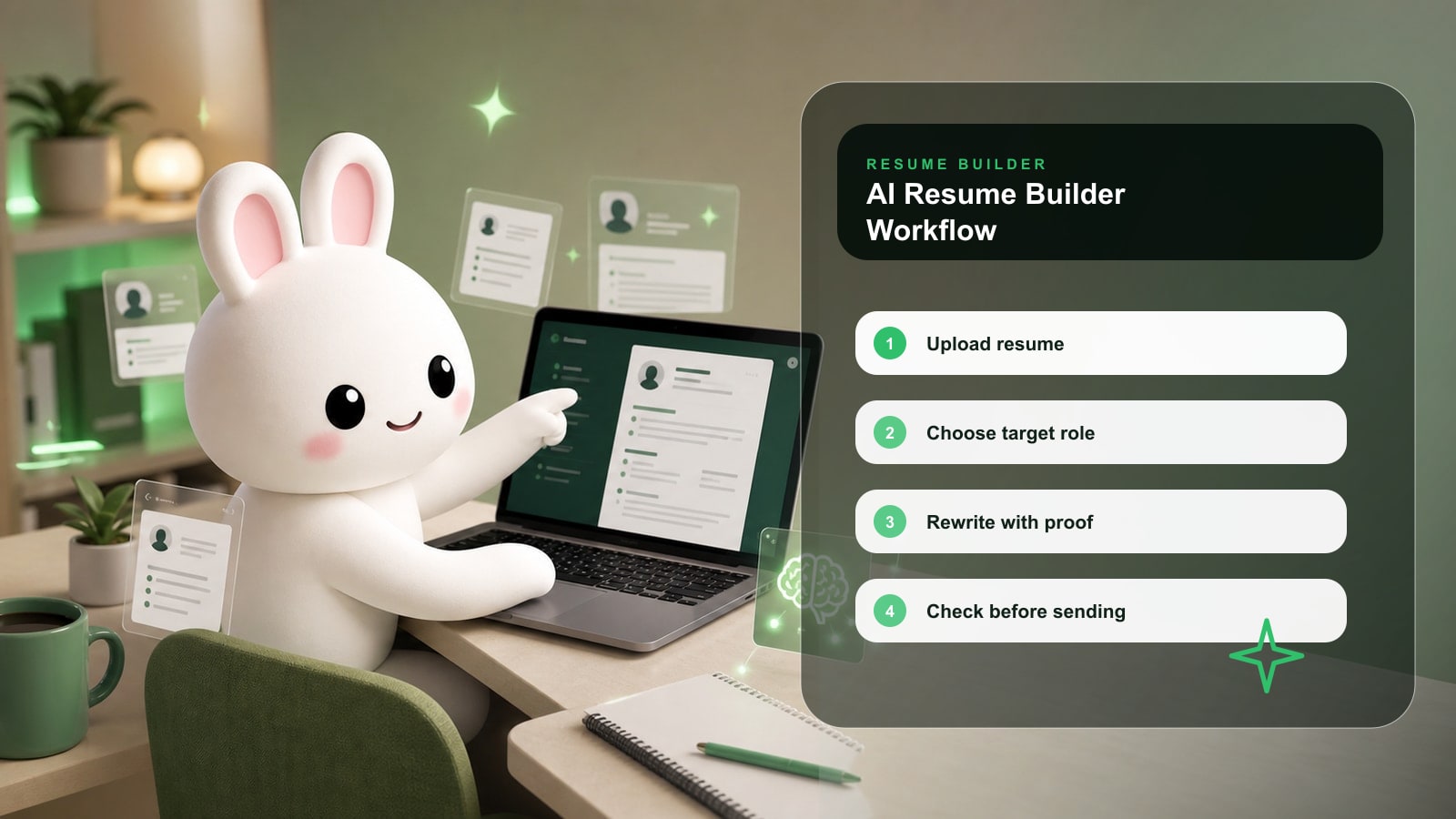
- 1Start with a complete master resume that includes more detail than you normally send.
- 2Choose one target job description and one role direction.
- 3Ask the builder to identify missing skills, repeated requirements, and weak bullets.
- 4Rewrite only the sections that affect this job: summary, skills, recent experience, and projects.
- 5Run an ATS and match-score check before exporting.
- 6Read the final resume once as a recruiter and remove anything that sounds inflated.
Before and after examples
| Weak version | Stronger version |
|---|---|
| Responsible for analytics dashboards. | Built Tableau dashboards for 6 revenue teams, reducing weekly manual reporting by 8 hours and improving forecast visibility. |
| Used AI to improve resume. | Used AI-assisted edits to tighten 14 experience bullets, then manually verified every metric, tool, and responsibility against real work. |
| Good communicator and strategic thinker. | Presented churn-risk findings to product and customer success leaders, helping prioritize 3 retention experiments. |
Use the stronger versions as patterns, not scripts. Replace the details with your real scope, tools, audience, numbers, and constraints.
Checklist before you use this advice
Key takeaway
Application checklist
The resume uses standard sections: Summary, Skills, Experience, Education, Projects, Certifications.
Every AI-generated claim is true and interview-safe.
The resume includes measurable scope where possible.
The job-description keywords appear naturally in context, not only in a skills dump.
The exported file is text-based and easy to read.
Common mistakes
| Mistake | Why it hurts | Better move |
|---|---|---|
| Letting AI invent achievements. | It can create interview risk and trust problems. | Use AI to improve wording, then verify every detail. |
| Optimizing without a job description. | The resume becomes broadly polished but weakly targeted. | Optimize against one real posting at a time. |
| Choosing a flashy template. | ATS systems and recruiters may struggle to read it. | Use a quiet, structured layout. |
How Rezoomed helps
Rezoomed combines resume building, ATS checks, match scoring, tailoring, and export so you can move from draft to targeted version without copying content across disconnected tools.
Use the relevant Rezoomed tool after you have a clear target role, not before. The tool is most useful when it has a real job description, a real resume, and a concrete outcome to improve.
Fast answers to common questions
Frequently asked questions
- 01+
Should I use an AI resume builder for every job?
Use it for serious applications where tailoring matters. You do not need to rebuild the resume for every low-fit posting.
- 02+
Can recruiters tell if a resume used AI?
They may notice generic language. The fix is not hiding AI use; it is adding specific evidence, real metrics, and natural wording.
- 03+
What is the best AI resume builder feature?
Job-description matching is usually the most useful feature because it connects resume edits to a real target role.
Final takeaway
The strongest applications are specific, readable, and easy to verify. Use this guide to remove uncertainty: show the role you want, prove the work you have done, and keep every claim defensible in an interview.
Sources and further reading
- Indeed: How To Write an ATS-Friendly Resume
- Microsoft Create: How to write an ATS-friendly resume
- Google Search Central: Creating helpful content
Related Rezoomed tools
- Resume Builder - See how Rezoomed handles drafting, editing, and export in one workflow.
- ATS Checker - Check the finished resume for ATS and recruiter-readability issues before applying.