A PDF resume can carry hidden fields that do not match the visible page. If the title says Untitled, the author is an old template creator, or the keywords are empty, fix that before uploading.
Key takeaway
Quick answer
Open the PDF properties and inspect title, author, subject, keywords, and language.
Use your name as author and a clear name-role format for title.
Add a small set of truthful keywords tied to the target role.
Re-export the final resume after visible edits are complete.
Search intent: what this page helps you do
This guide is for candidates who want a clean final PDF, not a new resume rewrite. The goal is to fix hidden file context after the visible content is already strong.
The practical goal is not to make a resume or job-search document sound polished. The goal is to make the next reviewer understand your fit faster, with fewer assumptions and less friction.
PDF resume metadata cleanup framework
Use the table below to decide what each field should contain and when to leave it simple.
| Area | What strong candidates do | What to avoid |
|---|---|---|
| PDF title | Name plus target role. | Untitled, Document 1, or old template names. |
| Author | Your professional name. | School computer lab, template site, or another person. |
| Subject | Short role context. | A full cover letter or random notes. |
| Keywords | Five to eight truthful role terms. | Keyword stuffing or unrelated tools. |
| Creator | Accept normal export software unless it reveals an issue. | Do not panic over harmless technical creator fields. |
Step-by-step workflow
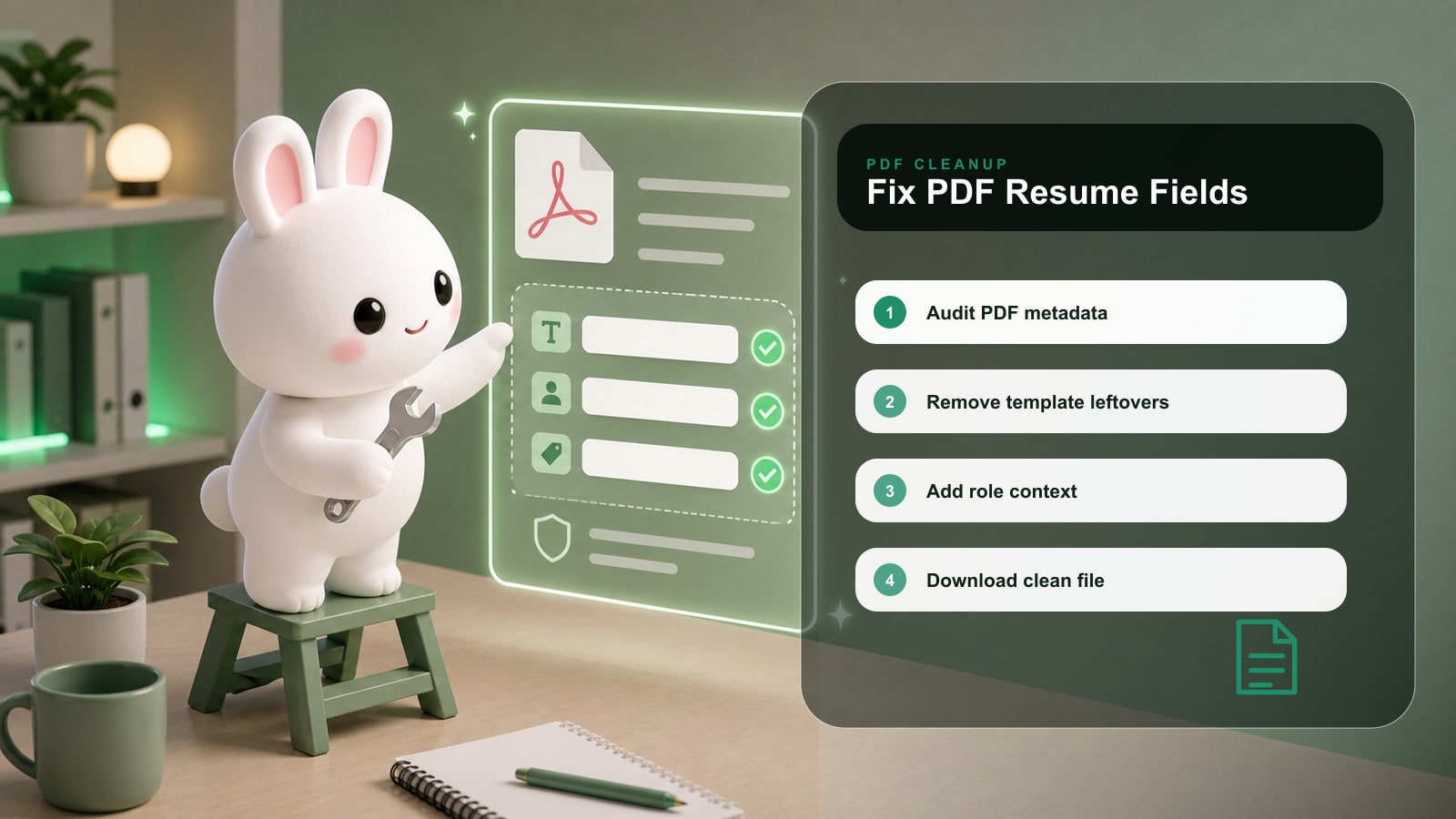
- 1Finish the visible resume and save a backup.
- 2Open PDF properties or run a metadata audit.
- 3Write a specific title, such as Alex Chen - Product Manager Resume.
- 4Set the author to your name.
- 5Add focused keywords only if they match the target role.
- 6Export the corrected PDF and use that file for applications.
Before and after examples
| Weak version | Stronger version |
|---|---|
| PDF Title: Resume Copy 3. | PDF Title: Marcus Chen - Markets Analyst Resume. |
| Author: Unknown. | Author: Marcus Chen. |
| Keywords: job, resume, business, work. | Keywords: Markets Operations, SQL, Settlement Risk, Payments, Tableau. |
Use the stronger versions as patterns, not scripts. Replace the details with your real scope, tools, audience, numbers, and constraints.
Checklist before you use this advice
Key takeaway
Application checklist
Visible resume content is final.
PDF title and filename describe the same resume.
Author is correct.
Keywords are role-specific but not spammy.
The final PDF opens correctly and text remains selectable.
Common mistakes
| Mistake | Why it hurts | Better move |
|---|---|---|
| Changing metadata on the wrong file. | You may upload the old export by accident. | Delete or archive old drafts after exporting final. |
| Overloading keywords. | It looks manipulative and does not improve weak content. | Use a short, accurate keyword list. |
| Ignoring text selection. | A scanned or image-only PDF can be hard to parse. | Use a text-based export. |
How Rezoomed helps
Rezoomed Metadata Enhancer checks hidden PDF fields, suggests better values, and helps you export a file that looks intentional in both visible and hidden layers.
Use the relevant Rezoomed tool after you have a clear target role, not before. The tool is most useful when it has a real job description, a real resume, and a concrete outcome to improve.
Fast answers to common questions
Frequently asked questions
- 01+
Can I edit PDF metadata without changing the resume design?
Yes. Metadata changes do not need to alter the visible page, though some export workflows may require creating a new PDF.
- 02+
What should the PDF title be?
Use a simple pattern: Your Name - Target Role Resume.
- 03+
Should I remove all metadata?
No. Clean, accurate metadata is better than empty or misleading metadata.
Final takeaway
The strongest applications are specific, readable, and easy to verify. Use this guide to remove uncertainty: show the role you want, prove the work you have done, and keep every claim defensible in an interview.
Sources and further reading
Related Rezoomed tools
- Resume Metadata Enhancer - Audit hidden PDF metadata fields and export a cleaner recruiter-ready file.
- ATS Checker - Check structure, keywords, and readability before sending the updated PDF.